Notetaker — AI meeting intelligence inside the CRM
How we built monday CRM's AI Notetaker, turning every sales call into a searchable, actionable meeting record.
Intro
About monday CRM
monday CRM is part of the monday.com, built to help sales teams manage the entire customer lifecycle, from lead generation to closed deals and ongoing customer relationships. Unlike traditional CRMs, monday CRM combines flexibility, collaboration, and AI to adapt to each team's unique sales process. The platform brings together everything sales teams need in one place:
Pipeline Management
Manage deals from first contact to closed won.
Customer Communication
Customers easily got lost in the navgiation of the single-use websites
🤖 AI-Powered Workflows
Automate repetitive work and help sales teams make better decisions.
🧠 Customer Intelligence
Give every teammate access to rich, up-to-date customer context.
The team & My responsibilities
Together with Inbal Tal (Senior Product Manager) we led the product, and design from 0 to 1.
My responsibilities included: Product strategy, User research, Information architecture, UX and UI, AI interaction design, Trust and explainability, Design system, Prototyping, Engineering collaboration, Product vision.
Background
Every sales call ends the same way
After every customer call, sales reps face the same tedious task: summarize the conversation, update the CRM, extract next steps, and hope nothing important was missed. It's slow, it's error-prone, and it disconnects reps from what they actually do well, selling.
AI meeting assistants exist to solve this. But most live in a separate tab, disconnected from where deals are actually managed. We believed the right answer wasn't another standalone tool, it was bringing the intelligence directly into the CRM.
The Problem
The tools were everywhere except where the work happened
Sales teams were juggling multiple tools: a video platform, a note-taking app, a CRM, all disconnected. Information got lost between them. Deals slipped through the cracks not because reps didn't care, but because the workflow made it too hard to stay on top of everything.
Manual and error-prone.
Reps summarized calls from memory, missing key details and creating inconsistent CRM data.
Context switching killed momentum.
Jumping between a meeting tool and a CRM broke focus and delayed updates, sometimes indefinitely.
Managers were flying blind.
Without reliable post-call data, pipeline reviews were based on guesswork rather than what was actually said.
The Challenge
Sales conversations contain some of the most valuable customer information
Needs, objections, decisions, competitors, budget, next steps.
Unfortunately, very little of that knowledge actually reaches the CRM. Sales representatives leave meetings with dozens of insights, but updating CRM records is usually delayed, incomplete, or skipped entirely. As a result, CRM data quickly becomes outdated, managers lose visibility, customer context disappears, and AI features receive incomplete data.
The challenge wasn't simply to summarize meetings. It was turning conversations into structured, trusted CRM knowledge.
The Goal
Zero friction from call to CRM
Give sales teams automatic meeting summaries, transcripts, and action items, surfaced inside the deal they're already working on. No context switching, no copy-pasting, no forgetting.
Why now?
Meeting Intelligence quickly became one of the fastest-growing categories in enterprise software, with more than one million monthly searches for CI-related keywords. A growing set of standalone conversation intelligence tools had already proven the category, showing that sales teams valued AI-generated summaries and transcripts. But every one of them lived outside the CRM. Users still had to manually transfer information back into the system where deals actually live.
Instead of building another standalone meeting assistant, we saw an opportunity to make AI a native part of monday CRM. Rather than creating another destination, we wanted every meeting to become an extension of the CRM itself.
Understanding the users
Before exploring solutions, we focused on understanding existing workflows. We gathered insights from customer interviews, internal sales teams, Customer Success teams, competitive analysis, product feedback, support tickets, existing CRM usage patterns, and a 107-person survey of Conversation Intelligence/Revenue Intelligence users. Although users came from different industries, they repeatedly described the same frustrations.
Manual Work
Updating CRM after meetings required significant effort. Most users postponed it until later, and many never got around to completing it at all.
Lost Context
Important information stayed inside transcripts, personal notes, or people’s memory. CRM records often contained only partial information.
Low Trust
Users appreciated AI-generated summaries but hesitated to let AI update customer records automatically. Trust became more important than automation.
Survey Highlights
Sales methodology templates, 87%. Auto-logging to CRM, 73%. Auto-transcription, 69%. Video recordings & transcripts, 55%. AI-powered next steps, 47%.
Defining Product Principles
Rather than designing individual features, we established product principles that guided every decision.
Trust before automation
Users should always remain in control.
Stay inside existing workflows
No additional tools or tabs.
Explain every AI decision
Suggestions should never feel like a black box.
Reduce manual effort
Every interaction should remove unnecessary work.
Preserve customer context
Information should continuously enrich the CRM.
These principles became the foundation for every experience we designed. Getting there wasn't linear. Each principle was tested through multiple design directions, layouts, interaction models, and usability sessions, before we landed on what worked.
The Solution
AI Notetaker - Meeting Inteligence
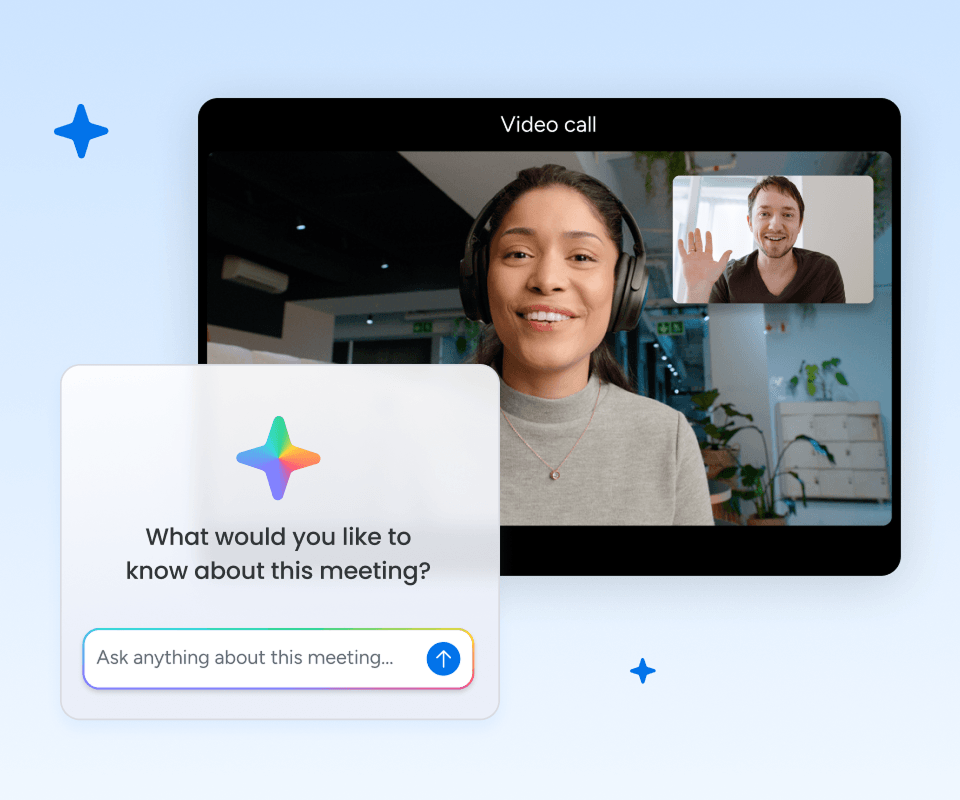
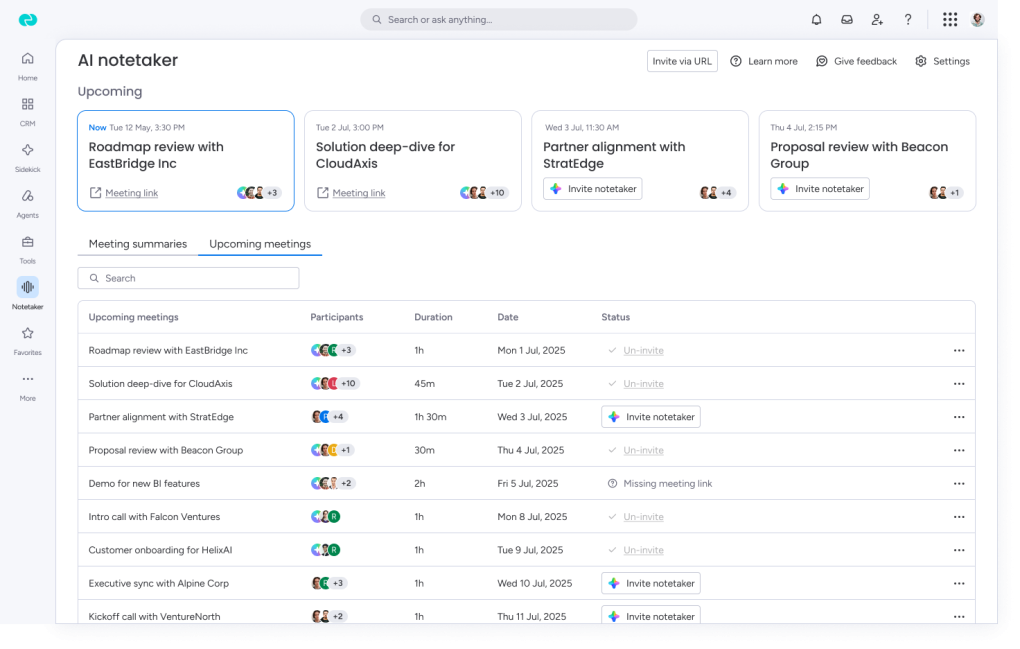
Our first milestone focused on solving the meeting experience itself. Instead of relying on third-party meeting assistants, we built a native AI Notetaker directly into monday CRM.
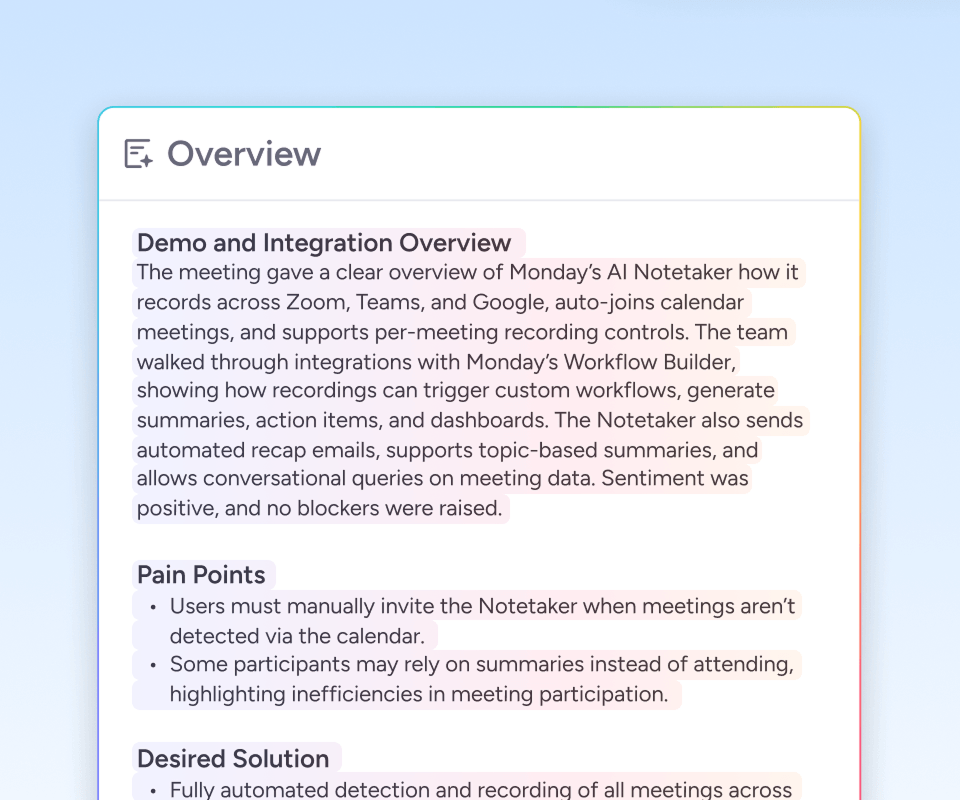
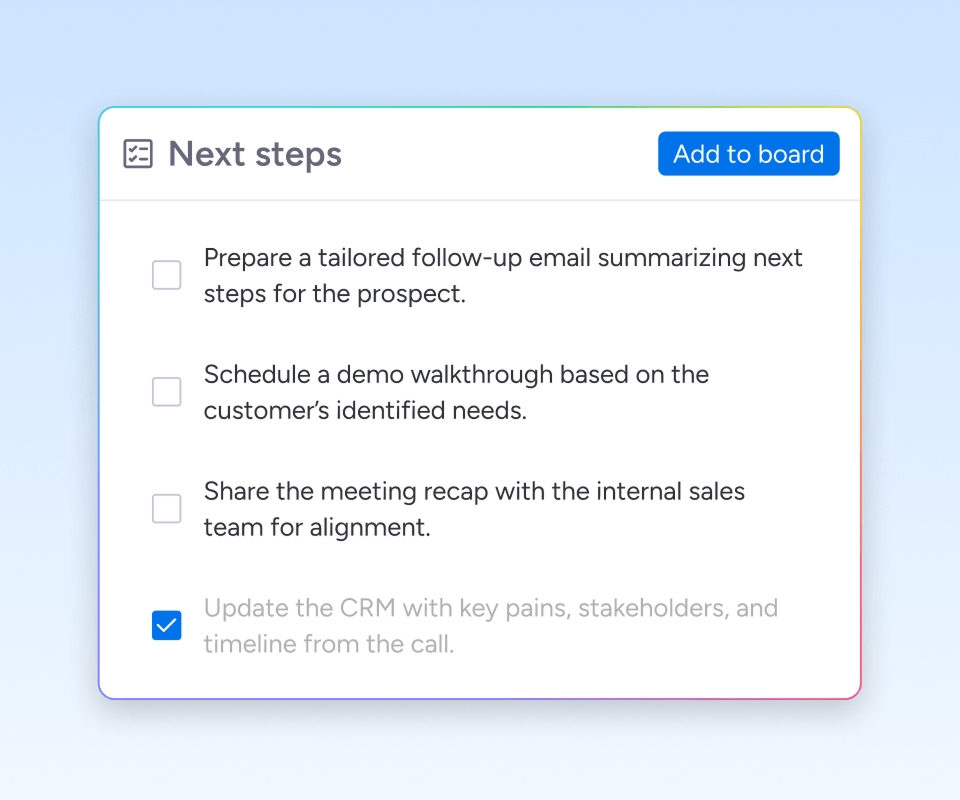
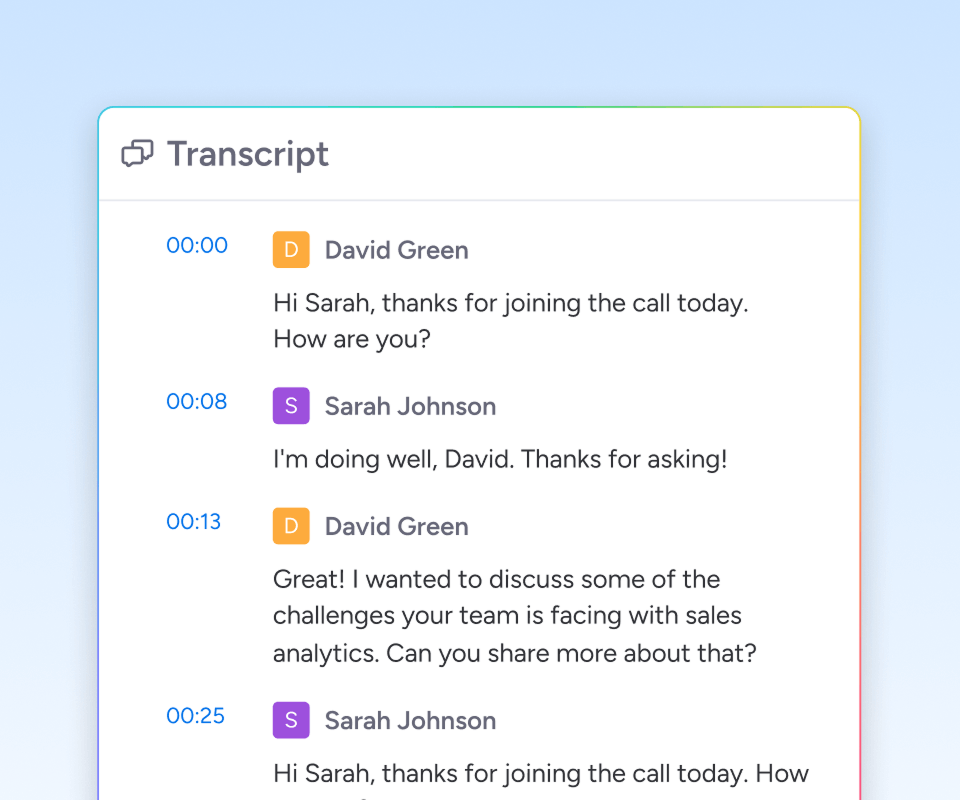
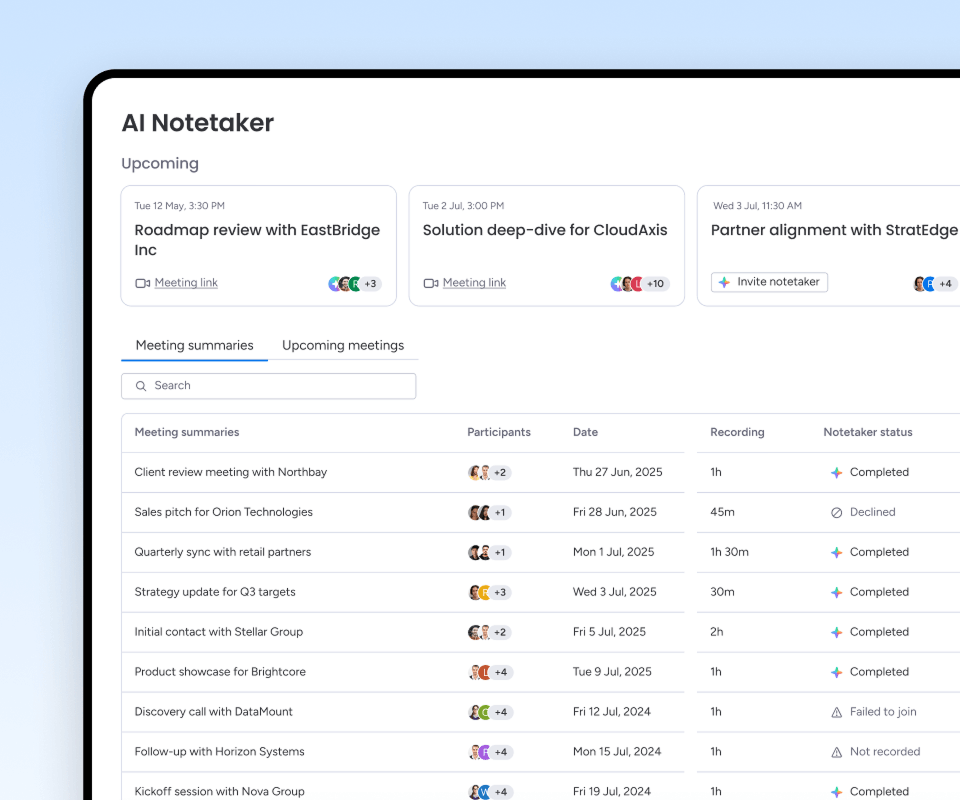
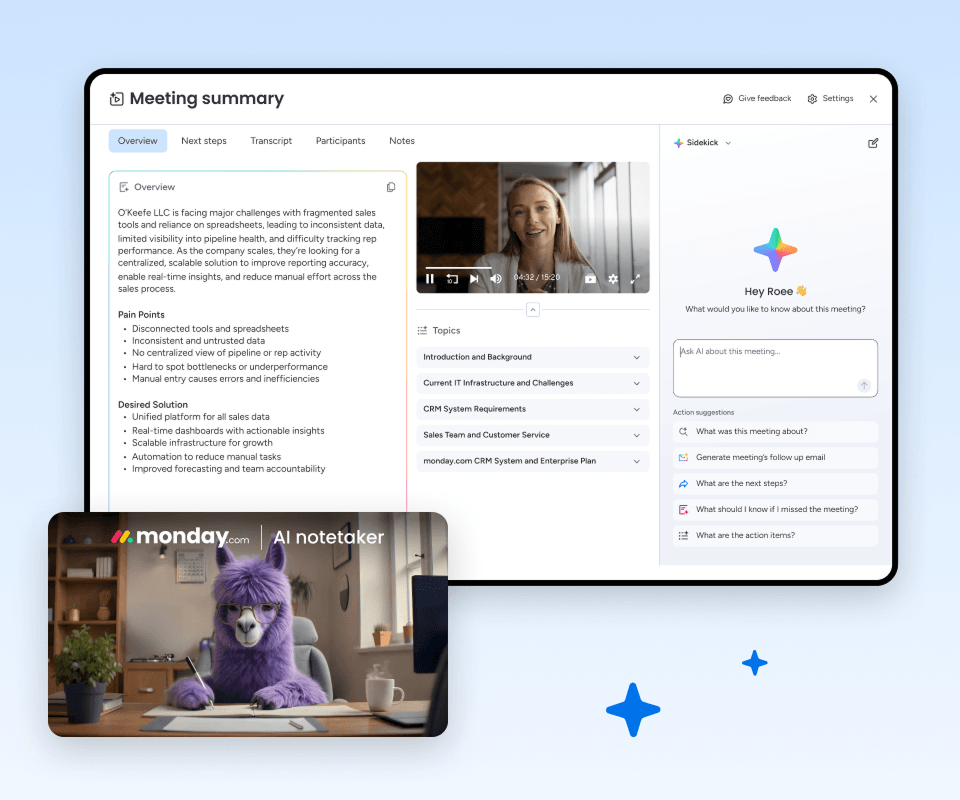
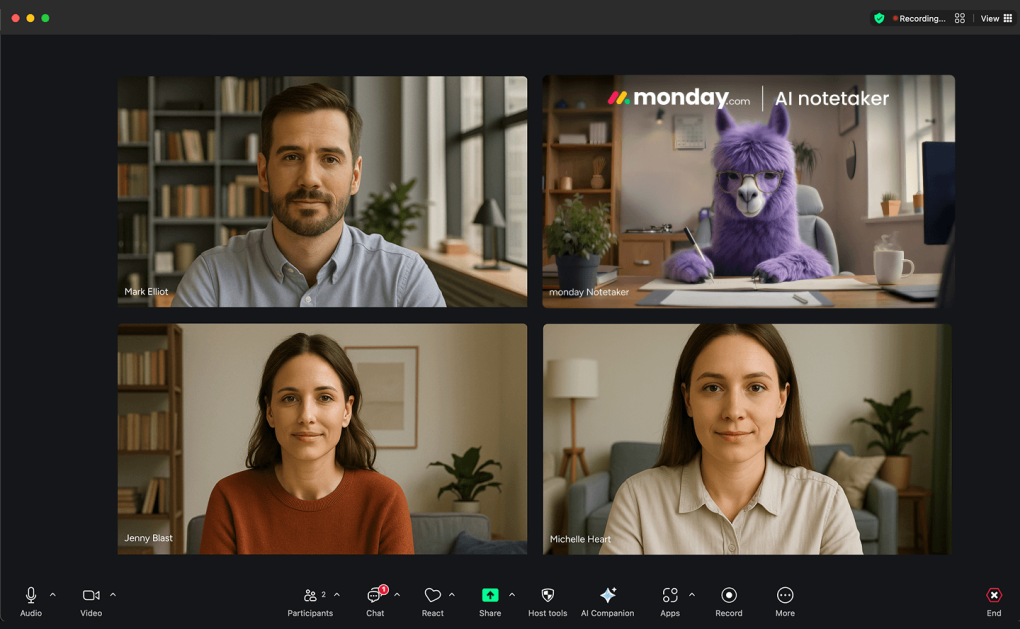
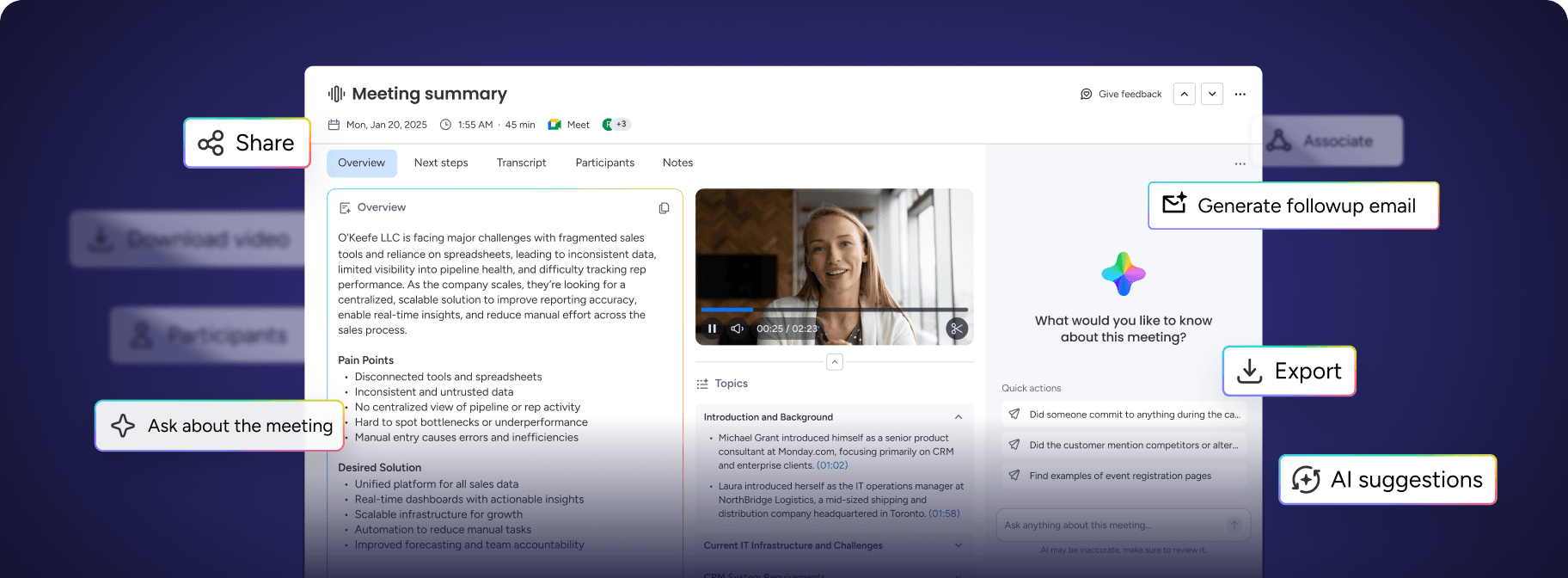
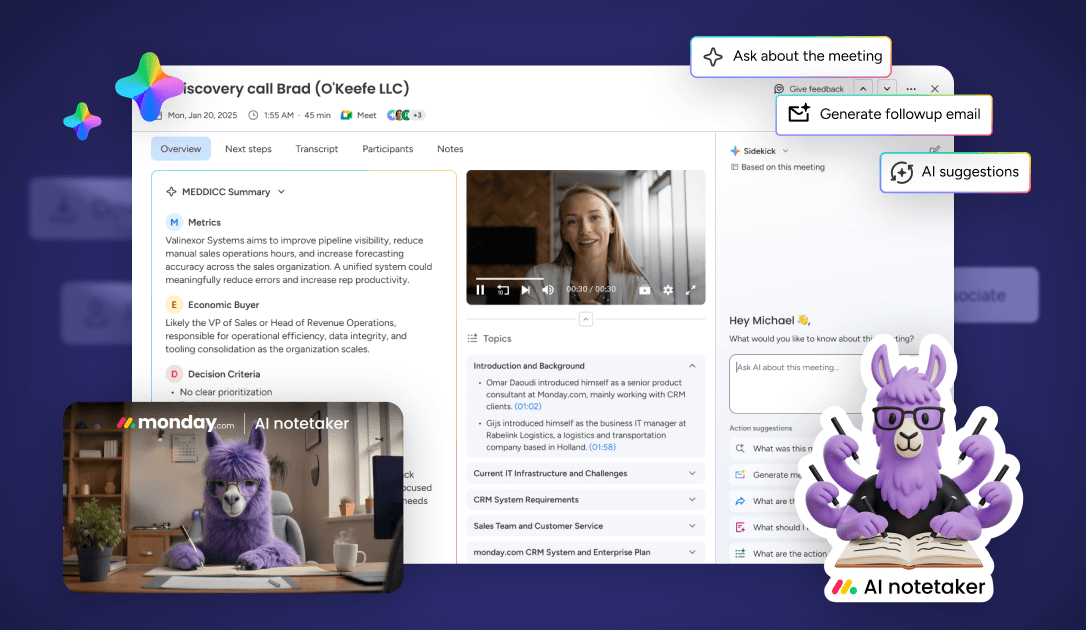
Users could invite the assistant to any customer meeting with a single click. After every meeting, the AI automatically generated a full transcript, an organized meeting summary, action items, decisions made, risks and blockers, follow-up tasks, and next steps.
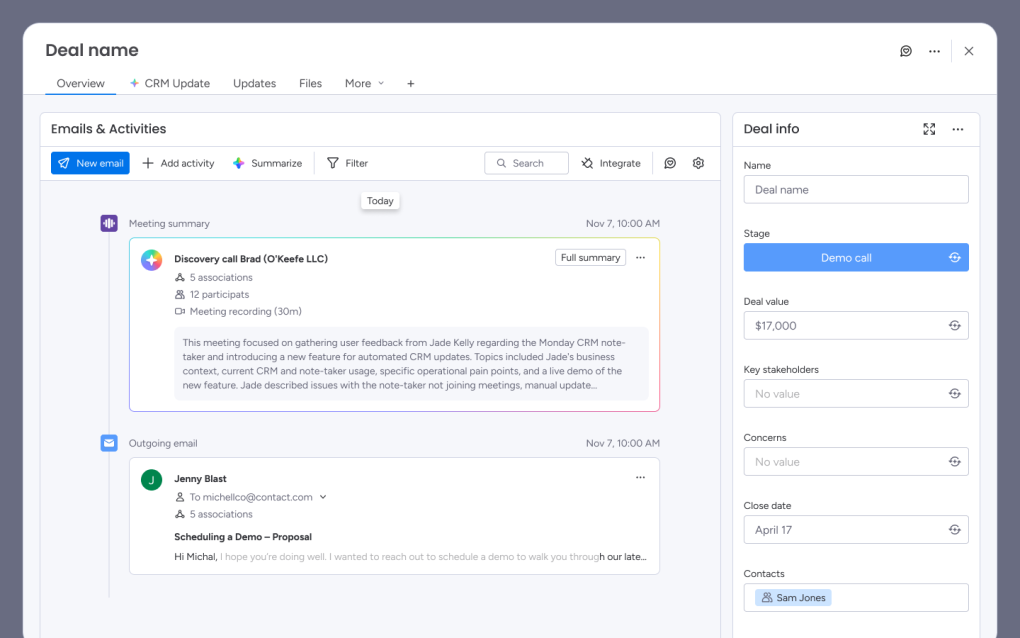
Everything was attached directly to the customer account, making meeting knowledge immediately accessible across the organization. The experience removed the need for manual note-taking while keeping every conversation connected to the CRM.
Designing the Meeting Experience
Building the Notetaker wasn't only about generating summaries. We designed the entire end-to-end meeting experience.
Rather than designing a single screen, we designed an experience that supported users before, during, and after every customer conversation.
Alpha, the First Learning Loop
We released early, with 17 alpha accounts onboarded, to learn faster rather than to launch faster.
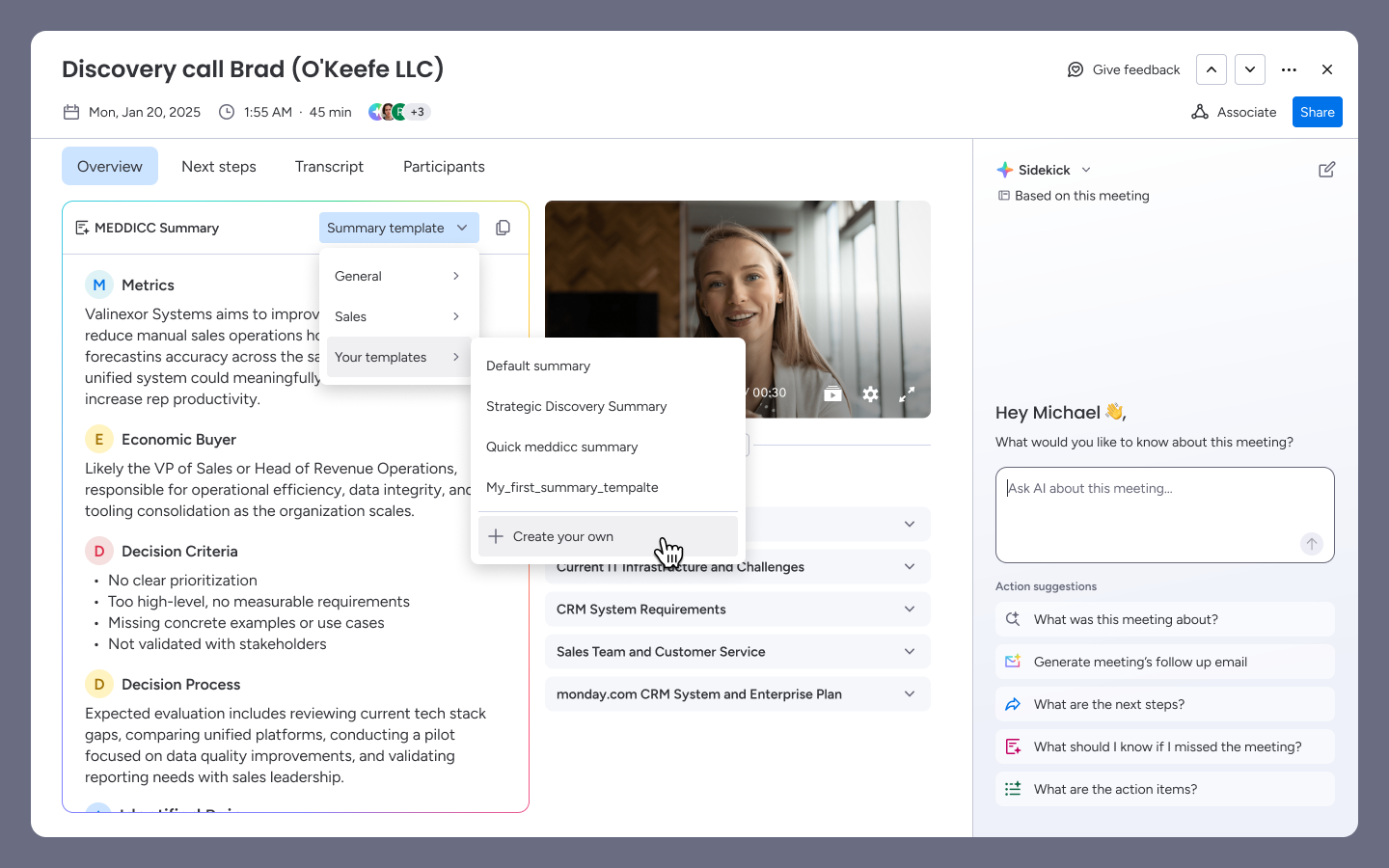
Users told us summaries felt generic, they didn’t reflect how sales teams actually think about deals. We responded with a redesigned prompt system built around MEDDIC, BANT, and SPICED.
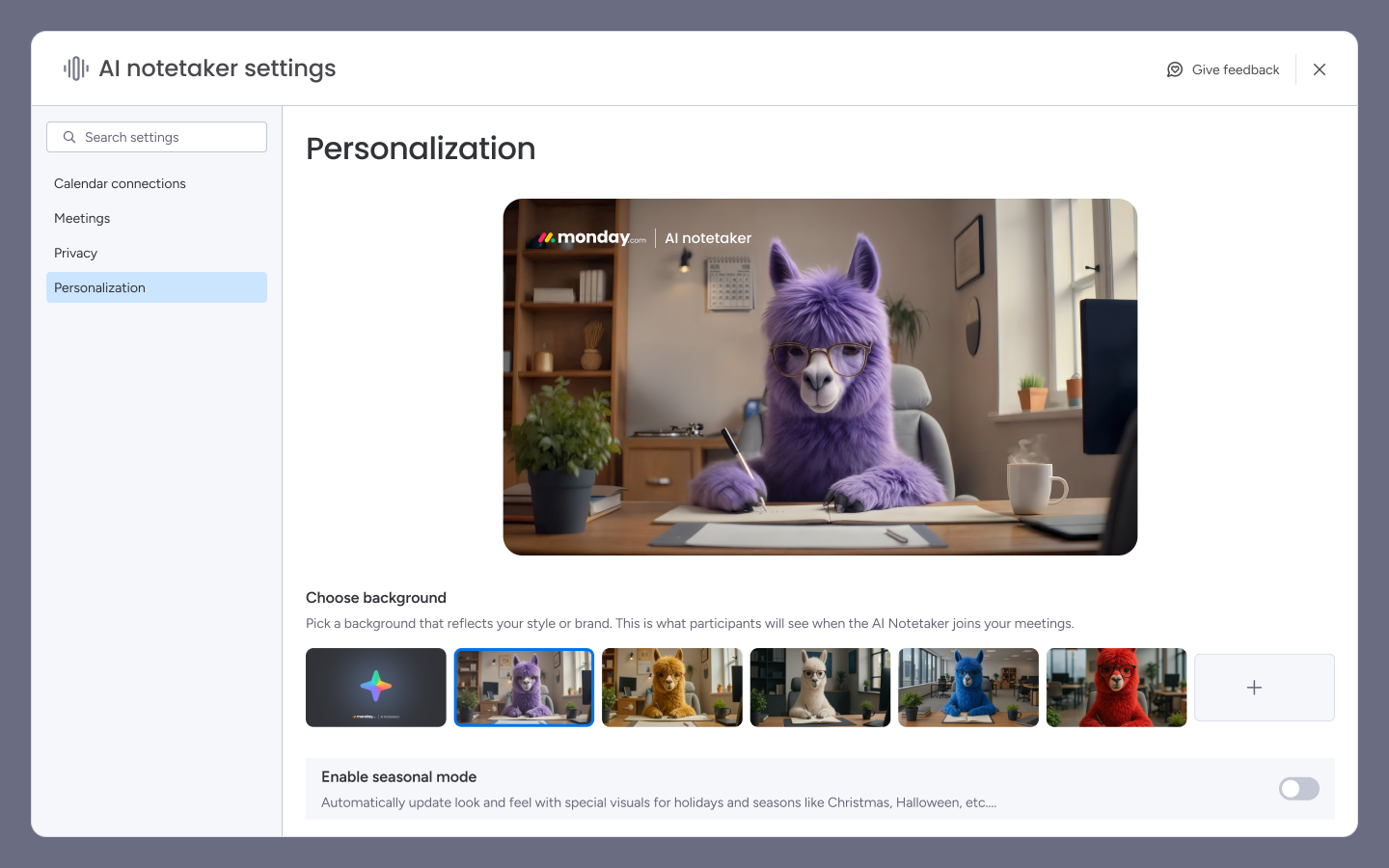
Enterprise clients pushed back on an unbranded bot joining their calls, “our clients see an unknown bot and feel surveilled.” We built full admin branding: custom name, avatar, and join message.
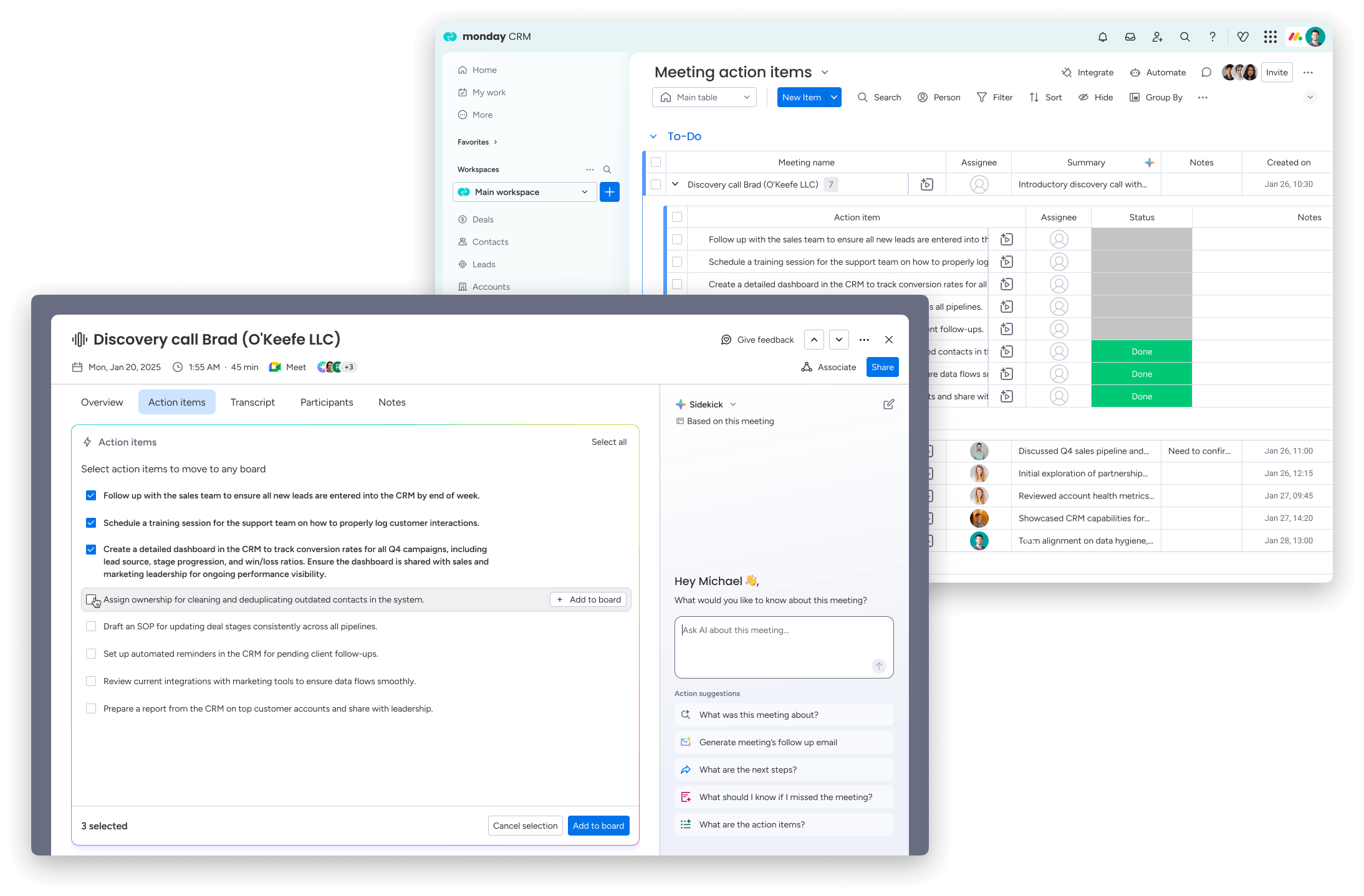
And one comment from a certified partner, “it would be a huge time saver if you could save action items directly to a board”, became the direct trigger for board integration, one of the most requested features in the following quarter.
AI Features Implementations
Generate Followup Email
Follow-up email was one of the most requested capabilities. With limited time to ship, we explored the fastest path that still delivered real value: a single AI-generated draft, pulled directly from the meeting's summary and action items, ready to review and send in under a minute.
Features like tone presets and scheduling were tracked as fast-follows, once usage confirmed the core loop worked.
The Results
The Success of the Notetaker
Once launched, adoption exceeded expectations. Users quickly integrated the Notetaker into their daily workflow because it required almost no behavioral change. Meetings were consistently logged, and a strong share of users came back to record a second one within weeks, without any prompting.
Higher adoption in CRM vs. platform average
0x
Week-over-week ARR growth at peak
~0%
Marketing or sales spend driving growth
0
CRM users adopted the Notetaker at 2.6x the rate of the broader platform, a clear signal that embedding the product where deals live was the right call. The use case resonated most when meeting intelligence was tied directly to pipeline, not sitting in a separate inbox.
The growth
A hockey-stick with no playbook
What makes the early growth arc unusual is what didn't drive it. No growth experiments, no paid acquisition, no marketing campaigns. The team was heads-down on product, specifically enterprise readiness: SSO, permissions, admin controls, data governance.
ARR grew exponentially through Q1 2026, with a clear inflection point. Week-over-week growth reached ~37% at peak, and both deal size and account velocity were rising simultaneously with no signs of saturation.
The interpretation: when product-market fit is real, organic momentum appears before you invest in growth. The bottleneck wasn't demand, it was infrastructure to support it.
What's next
From documentation to workflow
CRM Auto-Update & Agents
However, user research and product analytics revealed something important: although users loved the summaries, they still spent time manually updating their CRM after every meeting.
We had solved documentation. We hadn't yet solved the workflow. That insight became the foundation for our next product, CRM Auto-Update & AI Agents.

 Pipeline Management
 Customer Communication